“AI-powered software” is a broad label, not a guarantee that a feature is accurate or useful. This guide organizes common software tasks so readers can ask better questions before enabling an AI feature. It is a decision framework, not a vendor ranking or product test.
Match the feature to the work
- Drafting and rewriting: useful for a first draft or alternate phrasing; a person should verify claims, tone, and rights before publishing.
- Search and summarization: ask whether the answer links back to source material, handles conflicting documents, and respects file permissions.
- Classification and extraction: test with representative examples, ambiguous cases, and an explicit “needs review” outcome.
- Image, audio, or video creation: review consent, ownership, likeness, accessibility, and disclosure requirements.
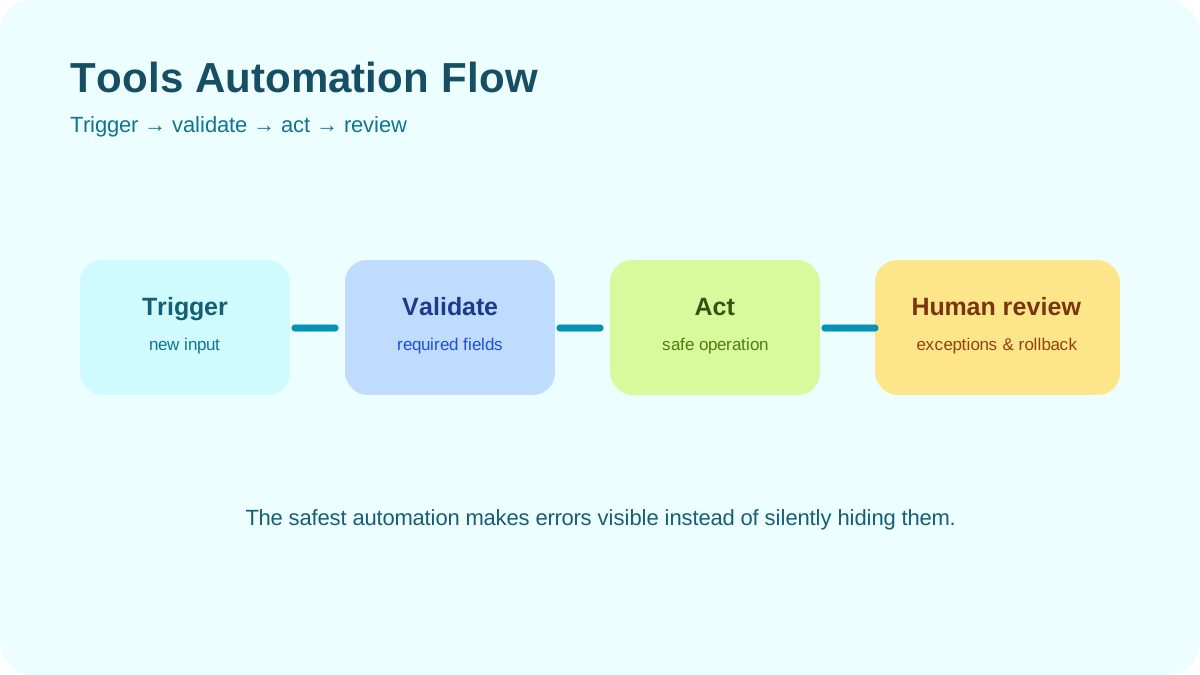
- Automation or agents: check what actions the feature can take, what data it can access, and which actions require approval.
Questions to ask before enabling it
- What task does the feature perform, and where does it fail?
- Which information is sent to the provider, retained, or used to improve services?
- Does it inherit existing access permissions, and can it expose material a user should not see?
- Can a reviewer verify the output against the original source?
- How can you disable the feature, remove data, or return to the previous workflow?
Run a small, safe evaluation
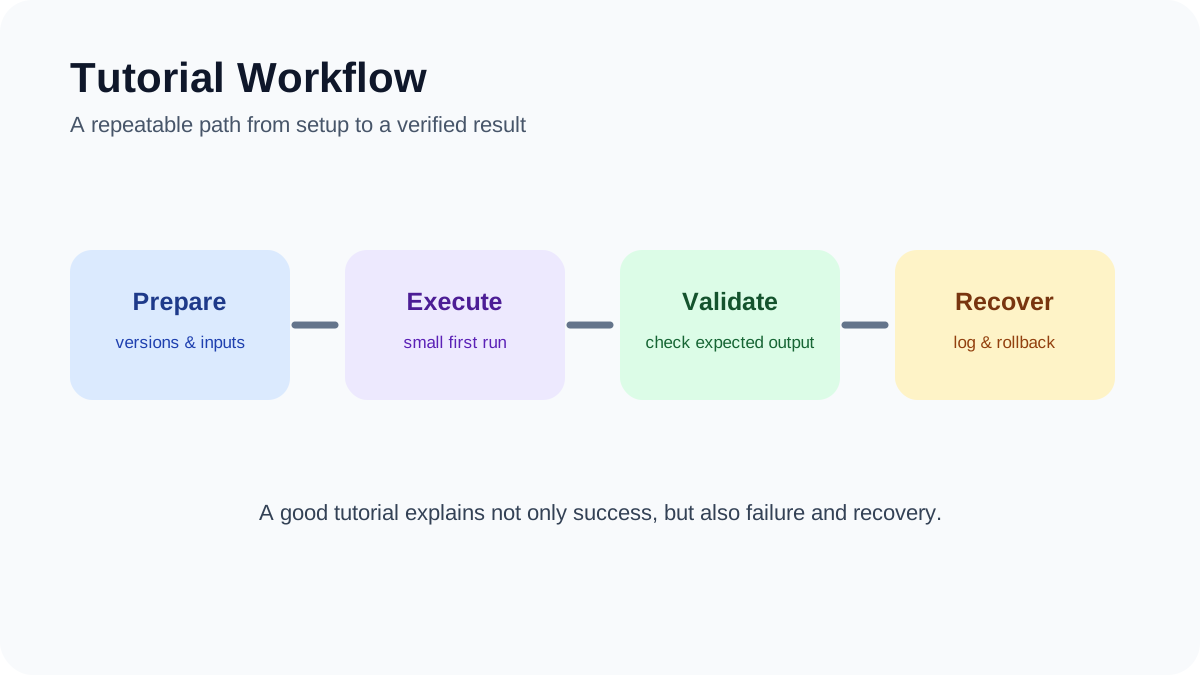
Choose a non-sensitive example and write down what a usable answer must contain. Try an ordinary input, an incomplete input, and a misleading or out-of-scope input. Compare each response with a human-reviewed reference. Record corrections, setup effort, and any data exposure. This check helps you decide whether to continue; it is not a general benchmark.
Do not confuse a demonstration with evidence
A convincing demo cannot establish performance across different users, documents, languages, or edge cases. For higher-impact decisions, define evaluation criteria, involve domain reviewers, and keep a human approval step. An AI feature should not be treated as a source of truth simply because it is integrated into familiar software.
Compare features by the job and the data path
| Task | Capability to inspect | Check before enabling |
|---|---|---|
| Summarize a document | Source-grounded summary with passages or page references | Where the file is processed, retained, and available to other users |
| Draft or rewrite text | Editable suggestions with clear human ownership | Whether sensitive text is sent to a provider or saved in history |
| Search a knowledge collection | Retrieval that exposes source records and access boundaries | Whether results respect the source permissions and removal process |
| Automate a record update | Visible proposed change and approval checkpoint | Write scopes, audit history, duplicate handling, and rollback |
Before testing, create a small acceptance note: permitted sample input, expected output, what counts as a failure, who reviews it, and how to turn the feature off. Use the same case when a product setting or model changes. If the tool cannot expose its data path or the permission needed is broader than the task, do not connect sensitive material; use a manual or read-only alternative.
This guide groups software capabilities by task rather than listing “AI tools.” For the narrower question of AI features that help individual work, see the productivity-tool evaluation guide. This table is a decision aid, not an independent product test.
Related reading
For a side-by-side evaluation process, see the guide to evaluating a new AI tool. For privacy boundaries at work, read the workplace data-protection guide.
About the author
Femica Maydinda Harend writes practical technology guides for AILooma, focusing on questions readers can verify before adopting a tool.
Editorial note
Software features, data controls, and availability change by product and plan. Consult current vendor documentation and your organization’s policy. This guide does not report independent testing.