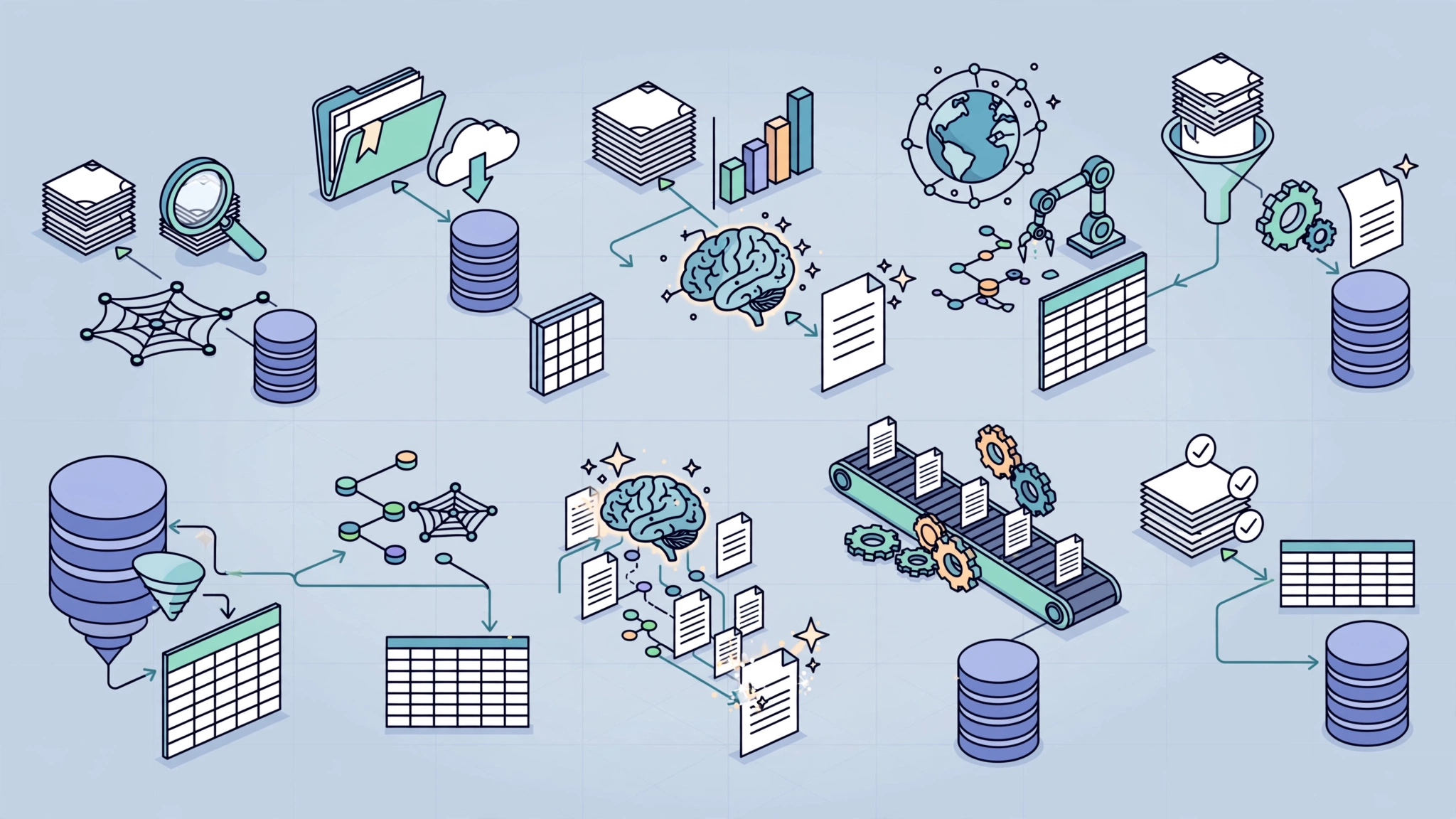
Research often involves repetitive work that does not require constant human judgment: checking new papers, cleaning metadata, monitoring APIs, moving information between tools, preparing summaries, and notifying collaborators.
Those are good candidates for automation.
n8n research automation can connect research databases, APIs, spreadsheets, reference managers, cloud storage, messaging tools, and AI services into repeatable workflows without requiring every step to be written as a custom script.
This guide explores practical n8n workflow ideas for literature discovery, metadata enrichment, research monitoring, data validation, collaboration, and reporting—while keeping human review in the parts of research that require interpretation and judgment.
What n8n Can Automate in a Research Workflow
n8n works best as an orchestration layer.
It can receive data from one source, transform it, send it somewhere else, apply rules, call APIs, wait for events, and notify people when something requires attention.
In research, that makes it useful for tasks such as:
- monitoring literature databases;
- collecting metadata;
- deduplicating records;
- tracking new preprints;
- updating spreadsheets or databases;
- validating incoming datasets;
- sending weekly research digests;
- archiving workflow outputs;
- routing items for human review.
Automation should reduce repetitive handling—not replace researchers’ responsibility for evidence quality, interpretation, methodology, or publication decisions.
Before You Automate: Separate Mechanical Work From Research Judgment
A useful way to design research automation is to divide tasks into two categories.
Good Automation Candidates
- fetching new records;
- normalizing metadata;
- checking identifiers;
- format conversion;
- scheduled monitoring;
- notifications;
- basic validation rules;
- copying data between approved systems.
Tasks That Should Usually Remain Human-Led
- deciding whether a paper is methodologically strong;
- interpreting conflicting evidence;
- making causal claims;
- assessing research ethics;
- deciding study inclusion or exclusion in formal reviews;
- drawing final conclusions;
- approving publication-ready research outputs.
This boundary keeps automation useful without turning convenience into false confidence.
1. Literature Monitoring From PubMed
A simple starting workflow is a scheduled PubMed search.
Workflow Structure
Schedule Trigger
    ↓
HTTP Request
    ↓
Parse Results
    ↓
Deduplicate
    ↓
Store
    ↓
Email / Slack Notification
The HTTP Request node can query NCBI’s E-Utilities interface for a defined search term.
For example, a researcher monitoring CRISPR base editing could periodically search PubMed and retrieve recently indexed records.
Useful Fields to Store
- PMID;
- title;
- authors;
- journal;
- publication date;
- DOI where available;
- source URL;
- date first collected.
Use stable identifiers such as PMID or DOI for deduplication whenever possible.
For current API details and usage requirements, consult the NCBI E-Utilities documentation.
2. Crossref Metadata Enrichment
Research records frequently arrive with incomplete metadata.
If you already have a DOI, n8n can query Crossref and enrich the record automatically.
Possible Enrichment Fields
- canonical title;
- authors;
- publisher;
- publication date;
- reference type;
- license information where available;
- funder metadata where available.
Workflow Example
New Research Record
    ↓
Does DOI Exist?
   ↙      ↘
 Yes       No
 ↓          ↓
Crossref   Manual Review / Search
 ↓
Merge Metadata
 ↓
Store Updated Record
Do not automatically overwrite manually reviewed metadata without keeping a record of what changed.
The Crossref REST API documentation is the best place to verify current fields and usage guidance.
3. DOI Verification Before Adding a Paper
AI systems, scraped pages, and manually entered bibliographies can all introduce incorrect DOIs.
You can use n8n to verify them before storing references in your main research database.
Example Logic
- Receive DOI.
- Normalize the DOI format.
- Query Crossref or resolve the DOI.
- Compare returned title and authors with the expected record.
- Flag mismatches for human review.
This is better than assuming that a DOI is valid simply because it follows the correct text pattern.
4. arXiv Preprint Monitoring
For fast-moving fields, preprints may appear before journal publication.
n8n can monitor feeds or APIs and route new results into a research inbox.
Example Workflow
Schedule Trigger
    ↓
arXiv Feed / API
    ↓
Filter Categories or Keywords
    ↓
Deduplicate
    ↓
Store in Research Inbox
    ↓
Notify Team
Possible filters include:
- keywords;
- subject category;
- author name;
- submission date;
- custom research topics.
Keep the preprint status visible in your stored record so it is not accidentally presented later as peer-reviewed evidence.
5. Multi-Source Literature Inbox
A more advanced workflow can combine several research discovery sources into one inbox.
For example:
- PubMed;
- arXiv;
- Crossref;
- Semantic Scholar;
- selected RSS feeds;
- official research repositories.
Recommended Normalized Schema
{
  "source": "",
  "source_id": "",
  "title": "",
  "authors": [],
  "published_at": "",
  "doi": "",
  "url": "",
  "abstract": "",
  "record_type": "",
  "review_status": ""
}
The benefit of normalization is that downstream workflows do not need different logic for every source.
6. Duplicate Detection Across Research Sources
The same paper may appear in multiple databases.
A safe deduplication workflow should start with reliable identifiers before using fuzzy similarity.
Recommended Matching Order
- DOI;
- PMID or another source-specific persistent identifier;
- canonical URL;
- normalized title plus first author;
- fuzzy title similarity as a fallback.
Do not automatically merge records based only on text similarity if the research database matters for formal analysis.
Ambiguous matches should go to a review queue.
7. Research Relevance Classification
Once literature begins arriving automatically, the next problem is volume.
n8n can apply a simple relevance score before researchers review the items.
Start With Transparent Rules
For example:
- +2 if title contains a primary keyword;
- +1 if abstract contains a secondary keyword;
- +1 if publication is within the desired date range;
- +1 if the source matches a priority journal or repository.
These rules are easy to inspect and change.
Add AI Classification Later If Useful
An AI model can classify an abstract as:
- high relevance;
- medium relevance;
- low relevance.
But the AI score should remain a prioritization signal—not an automatic inclusion or exclusion decision for formal research.
8. Zotero Metadata Enrichment
If your team uses Zotero, n8n can help identify incomplete reference records and enrich them using external APIs.
Possible Workflow
- Retrieve items from a Zotero collection.
- Identify missing DOI or metadata.
- Query Crossref using known information.
- Compare the returned record.
- Update only fields with sufficient confidence.
- Send unresolved records to a manual review list.
Before implementing write operations, review the current Zotero Web API documentation.
9. Weekly Research Digest
A weekly digest is one of the most practical research automations because it turns a large collection of incoming records into a manageable review habit.
Workflow Example
Weekly Schedule
    ↓
Fetch This Week's New Records
    ↓
Filter / Rank
    ↓
Group by Topic
    ↓
Format Digest
    ↓
Send Email or Slack Message
A digest can include:
- paper title;
- source;
- publication date;
- abstract excerpt;
- priority label;
- link to original source;
- review status.
If AI-generated summaries are included, keep the original abstract and source URL available for verification.
10. Dataset Freshness Monitor
Research projects often depend on external datasets that change without warning.
n8n can periodically check whether a dataset or endpoint has changed.
Possible Signals
- ETag;
- Last-Modified header;
- content hash;
- version number;
- release metadata.
Workflow Example
Schedule
   ↓
HEAD / GET Request
   ↓
Compare Stored Metadata
   ↓
Changed?
 ↙       ↘
Yes       No
 ↓
Download
 ↓
Validate
 ↓
Archive
 ↓
Notify Team
11. Basic Dataset Schema Validation
Before a newly downloaded dataset enters analysis, n8n can perform basic structural checks.
Examples include:
- required columns exist;
- file is not empty;
- expected data types are present;
- known identifiers are unique;
- date fields parse correctly;
- unexpected columns are flagged.
Complex statistical validation may be better handled by Python, R, or a dedicated data-validation tool, with n8n orchestrating the process.
12. Survey Intake and De-Identification
n8n can also help route survey responses into a controlled processing pipeline.
Possible Workflow
Form Submission
    ↓
Check Required Consent Field
    ↓
Separate Identifiers
    ↓
Apply Approved Transformation
    ↓
Store Research Record
    ↓
Notify Research Team
However, removing names alone does not guarantee anonymity.
Research involving human participants should follow the approved study protocol, institutional requirements, and applicable privacy rules.
Do not assume that an automation workflow is compliant simply because it uses hashing or redaction.
13. Research Data Quality Alerts
Instead of manually checking incoming data every day, create rules that surface suspicious records.
For example:
- missing required values;
- duplicate identifiers;
- unexpected date ranges;
- values outside plausible limits;
- schema changes;
- failed API responses.
The workflow can route flagged records into Slack, email, Notion, Jira, or another review system.
14. AI-Assisted Literature Matrix
A literature matrix helps researchers compare papers using consistent fields.
n8n can automate the first-pass extraction.
Example Fields
- research question;
- study design;
- population;
- sample size;
- main outcome;
- stated limitation;
- funding information;
- source citation.
If AI is used to extract these fields, retain the source text and require human confirmation for anything important.
AI extraction should accelerate review—not silently become the authoritative dataset.
15. Human-Reviewed Research Summary Draft
Research summaries are another useful automation target when the distinction between drafting and validation is clear.
Safer Workflow
Verified Research Records
    ↓
AI Draft Generation
    ↓
Attach Source References
    ↓
Human Review Queue
    ↓
Edit / Approve
    ↓
Publish or Share
The workflow should not invent citations, fill missing evidence, or convert uncertain findings into definitive conclusions.
Where possible, require the model to work only from source material supplied to it.
16. Research Collaboration Notifications
Many useful automations are simple.
For example, when a team member changes a paper’s status from:
To Review → Included
n8n could:
- notify the project channel;
- add the paper to a shared literature matrix;
- create a reviewer task;
- record the change date.
This reduces coordination overhead without interfering with research judgment.
17. Workflow Version Backups
Automation itself becomes part of the research process.
If a workflow changes, the results may change too.
That makes versioning important.
A practical setup can periodically export important n8n workflows and store them in a version-controlled repository or another protected archive.
Record Alongside the Workflow
- workflow version;
- date changed;
- reason for change;
- API versions where relevant;
- expected inputs and outputs;
- maintainer.
18. Research Artifact Packaging
n8n can coordinate the steps required to prepare a research artifact for archiving.
For example:
- collect approved files;
- collect workflow exports;
- generate a manifest;
- package files;
- upload them to an approved repository;
- record the resulting identifier or archive URL.
Repositories such as Zenodo expose APIs that can be incorporated into automated publishing workflows.
Before automatically publishing research artifacts, keep a human approval step.
19. Provenance Logging
A research workflow should make it possible to understand where a record came from and what transformations were applied.
Useful Provenance Fields
- source URL;
- source identifier;
- retrieval timestamp;
- workflow version;
- processing status;
- validation status;
- human reviewer where applicable.
This is often more useful than attempting to save every possible internal execution detail indefinitely.
20. Error Handling and Failure Notifications
Research automation should fail visibly.
A silent failure can create missing data that researchers may not notice until much later.
Plan for Common Failures
- API rate limit;
- expired credentials;
- network timeout;
- schema changes;
- malformed JSON;
- missing fields;
- storage failure.
Depending on the workflow, you may use retries, Wait nodes, conditional branches, error workflows, or alerts.
Always verify current n8n behavior against the official documentation because node options and error-handling features can change.
A Practical n8n Research Automation Architecture
A maintainable research pipeline usually has several distinct stages:
Sources
  ↓
Ingestion
  ↓
Normalization
  ↓
Validation
  ↓
Deduplication
  ↓
Enrichment
  ↓
Human Review
  ↓
Storage
  ↓
Digest / Reporting / Archive
Keeping these stages separate makes troubleshooting and auditing easier.
Start With One Workflow, Not an Entire Research Platform
The easiest mistake is trying to automate everything at once.
Start with one repetitive problem.
For example:
- “I manually check PubMed every morning.”
- “I keep copying new references into a spreadsheet.”
- “Our team forgets to check new preprints.”
- “We spend time fixing incomplete DOI metadata.”
Automate that first.
Once it works reliably, add another stage.
Security and Privacy Considerations
Research automation can process sensitive information, so security should be designed alongside functionality.
Consider:
- where n8n is hosted;
- who has access to credentials;
- which data is stored in execution history;
- how backups are protected;
- which third-party APIs receive research data;
- whether sensitive inputs are included in logs;
- how long execution data is retained.
Self-hosting can provide more control, but it does not automatically make a workflow compliant or secure.
Do Not Treat Automation as Research Validation
This distinction deserves emphasis.
A workflow can verify that:
- a DOI resolves;
- a field exists;
- a date is valid;
- a record is duplicated;
- an API request succeeded.
It cannot automatically establish that:
- a study is methodologically strong;
- a conclusion is justified;
- a dataset is ethically appropriate;
- a paper should be included in a systematic review;
- a scientific claim is true.
Those are research judgments.
How This Guide Was Prepared
This guide focuses on workflow patterns that can realistically be implemented with n8n’s general automation capabilities, APIs, webhooks, scheduling, conditional logic, and integrations.
The examples are architectural patterns rather than claims that specific universities, research institutions, government agencies, or laboratories currently use these exact workflows.
API endpoints, authentication requirements, node availability, rate limits, and n8n features change over time. Always check current documentation before implementing a workflow.
For workflows involving human subjects, regulated information, sensitive research data, or formal publication pipelines, automation should be reviewed against the relevant institutional, ethical, legal, and security requirements.
Frequently Asked Questions
Is n8n good for research automation?
It can be a good fit when research work involves repeatable data movement, API calls, notifications, metadata handling, or integration between several tools.
It is less appropriate as a replacement for statistical analysis, methodological judgment, or scientific interpretation.
Do researchers need to know how to code?
Not necessarily for simple workflows.
n8n provides a visual workflow editor and many prebuilt integrations.
More advanced workflows may still benefit from knowledge of APIs, JSON, JavaScript, authentication, databases, Docker, or infrastructure.
Can n8n work with PubMed?
Yes, PubMed data can be accessed through NCBI’s supported APIs using HTTP requests.
Use the current NCBI documentation for endpoint details and usage requirements.
Can n8n work with Zotero?
Yes, Zotero exposes a web API that can be called from n8n.
Read and write capabilities depend on authentication and the API operation being used.
Can n8n be used for systematic reviews?
It can automate supporting tasks such as literature ingestion, deduplication, metadata collection, status tracking, notifications, and drafting assistance.
Formal inclusion decisions, risk-of-bias judgments, interpretation, and final synthesis should remain under appropriate human review.
Does self-hosting n8n make research data compliant?
No.
Self-hosting gives you more control over infrastructure and data flows, but compliance depends on the complete system, including permissions, security, retention, backups, third-party services, procedures, and applicable requirements.
Can AI be added to n8n research workflows?
Yes.
AI can help classify, summarize, extract structured fields, or draft material.
Keep the original sources available and use human review when AI output could influence research conclusions.
Final Takeaway
Research automation works best when it removes repetitive handling without removing human judgment.
n8n can help researchers build workflows that:
- monitor literature;
- collect metadata;
- verify identifiers;
- deduplicate records;
- track dataset changes;
- route work to collaborators;
- prepare weekly digests;
- maintain provenance;
- archive research artifacts.
Start with one repetitive task, make the workflow observable, preserve source information, route uncertainty to humans, and only scale after the first automation is reliable.
The objective is not automated research.
It is better research infrastructure.
Recommended for you 👇
Practical verification and limits
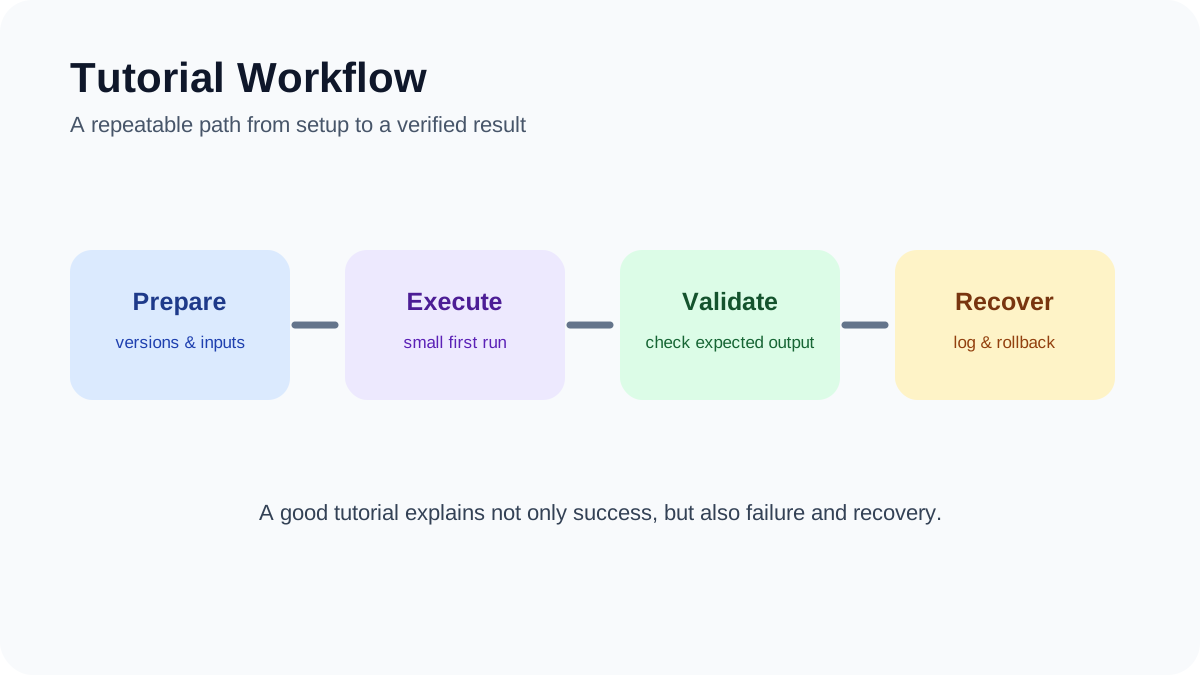
Define an owner and rollback path for every workflow, test rate limits and duplicate events, and retain source URLs and timestamps so results remain auditable.