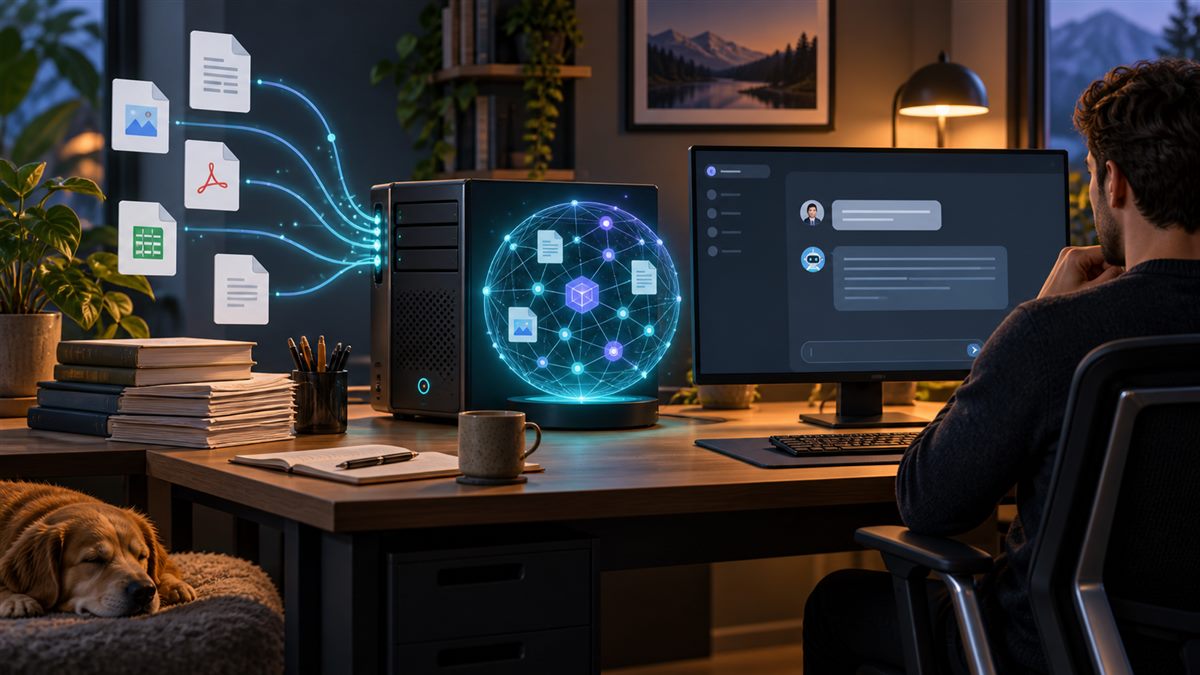
A local AI interface can reduce some data-transfer paths, but “runs locally” is not a complete privacy or security assessment. This guide explains how to think about a personal document-question-answering prototype that uses Ollama and Open WebUI. AILooma has not tested a specific hardware configuration or audited either application.
Understand the parts
- Model runtime: Ollama downloads and runs a model. Hardware compatibility, memory demand, model license, and runtime options vary by model and version.
- Web interface: Open WebUI can connect to a model server and provide a chat interface. Its database, uploads, configuration, and backups need their own access and storage controls.
- Retrieval: a knowledge feature processes uploaded documents and retrieves relevant passages. Extraction, chunking, indexing, and retrieval can omit or misread content.
Start with public or synthetic documents
- Choose a small set of documents you have permission to use.
- Confirm the interface and model are running on the intended machine and that you have not added a hosted model, search provider, or external embedding service.
- Ask questions whose answers are easy to find in the source documents.
- Require the response to identify supporting passages and check them yourself.
- Try a question not answered in the files and see whether the system can acknowledge the gap.
- Record errors such as missing tables, outdated passages, or a confident answer without evidence.
Plan data handling before private documents
Local inference does not automatically make the entire workflow local. Prompts, uploaded files, logs, embeddings, model downloads, browser access, telemetry, backups, and configured cloud providers can follow different data paths. Open WebUI’s provider guide explains that the selected endpoint determines where inference happens and that separately configured services can still receive data. Review its current local and cloud model connection documentation and data-privacy guidance before use.
Open WebUI documents where persistent application data may be stored and how to plan updates in its update guidance. Protect the host account and storage, restrict network exposure, and verify backups. Do not expose an unauthenticated interface to the internet. For shared or business use, involve an administrator and security reviewer.
Model and hardware selection
Begin with a model that your hardware can support and a task you can evaluate. Model size, quantization, context length, and runtime affect resource use and output behavior. Hugging Face’s quantization overview describes memory/precision trade-offs; results depend on method and workload. Check the model card and license, then measure your own device rather than relying on generic latency or memory figures.
Limits of a document assistant
- Retrieved text may be incomplete, stale, or unrelated to the question.
- A citation or highlighted passage still needs a human check.
- Documents can contain malicious instructions; treat retrieved content as untrusted input.
- Local setup does not guarantee access control, encryption, safe backups, or regulatory compliance.
Build a prototype with a deliberate data path
- Draw the route first. List where a document is selected, stored, indexed, sent to an embedding/model service, retrieved, logged, and shown to the user. A local interface or model does not prove every component stays on the device.
- Start with public or synthetic files. Use a short document you are permitted to process. Remove hidden metadata where appropriate and note whether the interface creates an upload, a vector index, or an execution log.
- Separate retrieval from generation. Ask a question whose answer is stated in the sample file, then require a passage or page reference. Ask a second question absent from the file and check whether the system says it cannot find the answer.
- Inspect model and storage requirements. Confirm the chosen model’s license, memory/storage needs, download source, and update path from current Ollama and Open WebUI documentation. Keep models and document indexes in locations you understand and can remove.
- Test deletion and restart behavior. Remove the sample collection through the documented UI/API, restart the services, and confirm whether the index or chat history remains. Do not treat a deleted source file as proof that derived embeddings or logs are gone.
Only move to private material after you can explain every network boundary and have approval to process that material. Check authentication, local network exposure, backups, account roles, and update procedures before allowing another person to connect. A private AI knowledge base still needs access control and maintenance.
This is a prototype planning and verification guide, not a validated install recipe or privacy audit. For a general AI model selection decision, see the small-versus-large model framework; for application-level production gates, use the developer release checklist.
Related reading
For a model-selection framework, see the small-versus-large model guide. For workplace data boundaries, read the sensitive-data guide.
About the author
Femica Maydinda Harend writes practical technology guides for AILooma, with attention to reproducibility, data paths, and limits.
Editorial note
This is a conceptual setup guide, not a validated deployment recipe or privacy audit. Version-specific behavior changes; consult current Ollama and Open WebUI documentation and do not use sensitive data until your configuration has been reviewed.